SEO
Q1: Is marketing automation actually worth it for a dental practice, or is it just hype?
It's worth it — but only if you're using it to follow up on leads you're currently ignoring.
The business case for automation in dental marketing is simple: most practices are terrible at follow-up. A patient submits a web form at 9pm. It sits in someone's inbox until 9am the next morning. By then, that patient has already called two other offices. You lost a potential implant case not because of your clinical quality or your marketing budget — but because no one followed up fast enough.
Automation solves the speed-to-lead problem. It also solves the consistency problem: human follow-up is sporadic. Automated sequences are relentless.
If your practice is consistently responding to every new inquiry within 5 minutes and following up 7 times on unconverted leads, you may not need automation as urgently. But almost no dental practice in Orlando (or anywhere else) operates that way without systems.
Q2: What should a basic CRM follow-up sequence actually look like?
Trigger → 5 touchpoints over 10 days → Re-engagement at day 30.
Here's a sequence that works for new patient inquiry follow-up:
Immediate (0 min): Auto-reply SMS + email confirming we received their inquiry, with a direct booking link.
5 minutes: If they clicked the booking link but didn't book, a second SMS: "Need help picking a time? Reply here or call us."
Day 1 (morning): Email with practice introduction — doctor bio, what makes your practice different, patient reviews.
Day 3: SMS from your treatment coordinator (can be automated but should feel personal): "Hi [Name], this is [Name] from [Practice]. Just wanted to make sure you got our info — any questions?"
Day 5: Email targeting the #1 objection for your most common high-value service. For implants: cost/financing breakdown. For cosmetic: before/after + what to expect at a consultation.
Day 7: SMS: "We have a few consultation slots open this week — want me to hold one for you?"
Day 10: Email: Educational content ("Is a dental implant right for me?") + soft re-ask.
Day 30: Re-engagement: "Still exploring your options? We're here when you're ready."
The sequence should stop the moment someone books. Don't keep messaging after they've converted — that's how you annoy patients before they even walk in.

Q3: What is missed call text-back, and should I be using it?
Yes. Full stop. If your practice isn't using missed call text-back, you're losing patients daily.
Here's what it does: when an inbound call goes to voicemail (because the front desk is with a patient, it's after hours, or the phones are backed up), an automated SMS fires to that caller within 60 seconds:
"Hi, we missed your call at [Practice Name]! We'd love to help — what's on your mind? We'll get back to you ASAP, or you can book online here: [link]"
Why it matters in Orlando: the market is competitive and dense. A patient who doesn't reach your practice on the first try will call the next practice on their Google list. Missed call text-back catches them before they leave. Most callers will respond to a text even if they won't leave a voicemail.
The conversion rate on these automated SMS responses — when the response leads to a real conversation or a booking link — is dramatically higher than voicemail callbacks. People don't like leaving voicemails. They do like texting.
Set it up through your CRM (GoHighLevel, Weave, Birdeye, or similar). Takes 20 minutes to configure. ROI on the first recovered implant consultation pays for months of the platform.
Q4: How do I automate review requests without it feeling spammy?
Timing and personalization are everything.
The mistake most practices make: blasting a review request to every patient immediately after their appointment, regardless of how it went. That's how you get defensive negative reviews from people who had a bad experience you haven't addressed yet.
A smarter sequence:
Trigger from appointment type. Only request reviews from patients who had routine positive-outcome visits (cleanings, consults, completed restorations). Flag patients with complaints, refunds, or noted concerns — remove them from the auto-sequence and handle manually.
Send within 2 hours of appointment. The experience is fresh. The patient is still in "I just went to the dentist" mode. Waiting 24 hours drops response rate significantly.
SMS over email. SMS review requests convert 3–4x better than email for dental practices. Keep it short:
"[Name], thanks for coming in today! If you have 30 seconds, a Google review would mean a lot to our team: [direct link]"
One ask per visit. Don't follow up on an unanswered review request. One ask is warm. Two feels pushy. Three is harassment.
For Orlando practices with high patient volume across a large team, this automation running consistently will generate 15–30+ new Google reviews per month without any additional staff effort.
Q5: We have a list of old leads from the last two years who never booked. Is re-engagement automation worth it?
Potentially — but segment ruthlessly before you send anything.
Most "dead" lead lists contain a mix of:
Patients who went elsewhere and are satisfied
Patients who went elsewhere but aren't satisfied (re-engageable)
Patients who had a genuine timing issue (moved, life happened) and are now ready
Invalid contacts
Before re-engaging, clean the list. Remove anyone who unsubscribed, any known deceased contacts, and duplicates. Then segment by inquiry type:
Implant/cosmetic inquiries (high-value potential)
General dentistry inquiries (lower urgency)
Emergency visits who never returned (warm, already familiar with your practice)
Run a re-engagement campaign to the high-value segments first. The sequence:
Email 1: "Are you still exploring your options for [treatment]? A lot has changed — we'd love to reconnect."
Email 2 (Day 5): Patient testimonial relevant to their treatment interest. Social proof for skeptics.
Email 3 (Day 12): Offer: free consultation, updated imaging, financing options. Give them a reason to move now.
A well-executed re-engagement campaign to 200–300 old implant/cosmetic leads will typically generate 8–15 new consultations. At an average case value of $5,000–$25,000, the math is obvious.
Q6: What does AI chat on a dental website actually do, and does it convert?
It depends entirely on how it's configured — and most dental AI chat is configured terribly.
The generic "How can I help you?" chatbot that just answers FAQs and collects a name and phone number is nearly useless from a conversion standpoint. Patients don't feel helped; they feel intercepted.
The AI chat that actually converts does three things:
Answers specific questions about services, pricing ranges, and process. Patients want to know "how much do implants cost?" and "will it hurt?" If your chatbot can answer those confidently (with appropriate caveats), it builds enough trust to take the next step.
Qualifies the lead. Asks smart follow-up questions: What brings you here? What treatment are you exploring? Have you had a consultation before? This data flows into your CRM automatically.
Books the appointment or collects contact info for immediate follow-up. Not "we'll be in touch." A calendar integration that lets the patient pick a slot in real time — or a clear commitment that someone will call within 15 minutes during business hours.
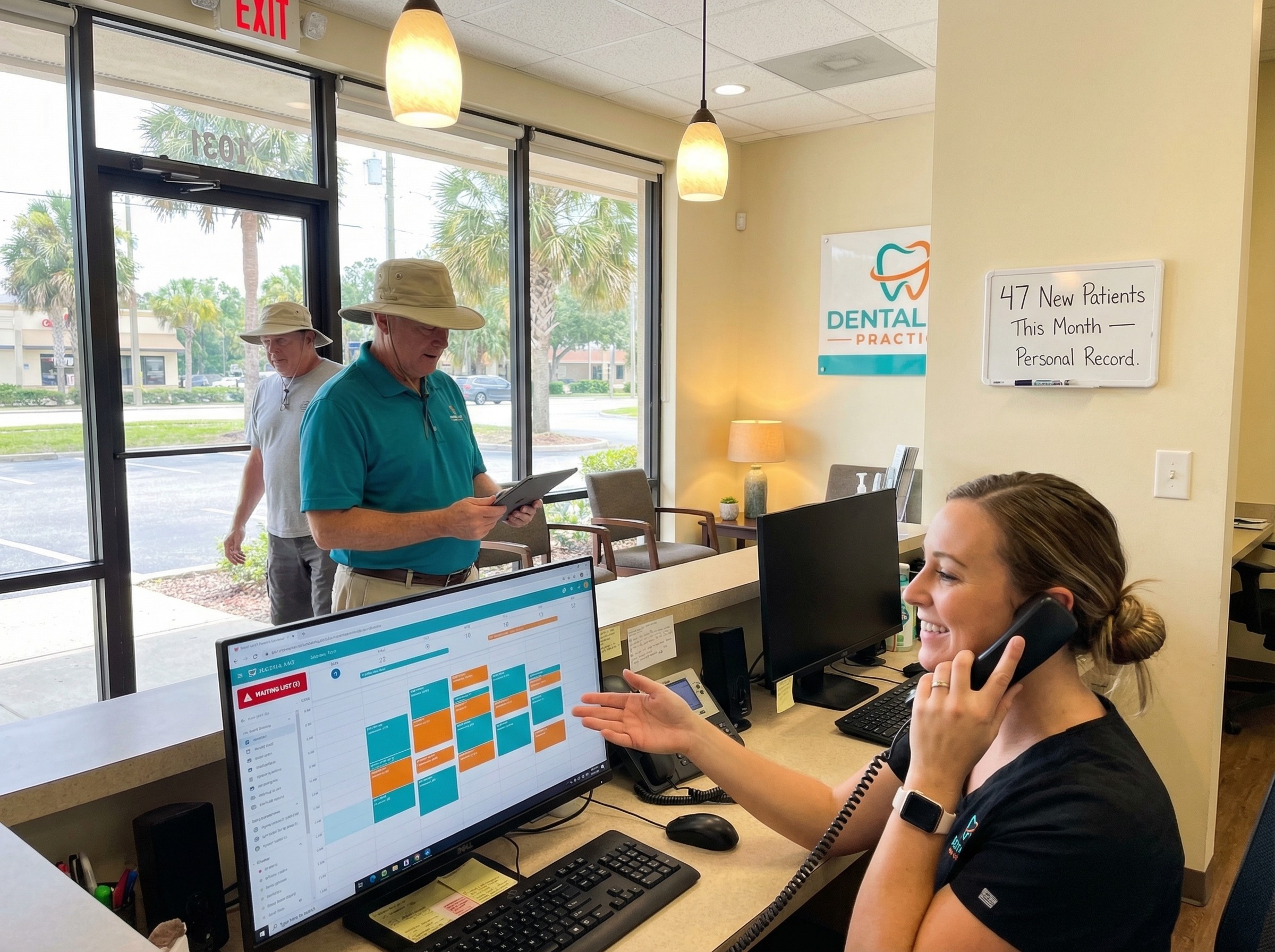
Orlando practices deploying well-configured AI chat (not just a basic chatbot widget) see meaningful after-hours lead capture. A significant portion of dental searches happen after 8pm. A practice that captures those conversations — instead of losing them to voicemail — has a structural advantage.
Q7: Should my automation be running through my practice management software or a separate CRM?
Separate CRM, integrated with your PMS — not instead of it.
Dentrix, Eaglesoft, and Curve have some automation features, but they're built for operational workflows (recall reminders, appointment confirmations), not marketing automation (lead nurturing, re-engagement, multi-step sequences).
A dedicated CRM like GoHighLevel, HubSpot, or a dental-specific platform like Weave or Birdeye handles the marketing side. It runs nurture sequences, tracks lead sources, logs every touchpoint, and connects to your scheduling calendar.
The integration point matters: when a lead books an appointment, that data should flow to your PMS so they show up as a scheduled patient — not a CRM contact floating in limbo. Most modern platforms can handle this sync. Confirm the integration works before building your sequences.
Q8: How should automation handle patients who don't book after multiple follow-ups?
Move them to a long-term nurture list — don't delete them.
Patients who don't book after 10 days of follow-up aren't necessarily gone. Many are in a longer consideration cycle, especially for high-value treatments. A $20,000 implant case isn't an impulse purchase.
Long-term nurture = monthly or bi-monthly touchpoints:
Educational content ("What happens if you wait to replace a missing tooth?")
Practice updates ("We've added same-day CEREC crowns")
Seasonal promotions
Patient story features
The goal isn't to sell. It's to stay present. When they're ready — three months from now, six months from now — your practice is the one they remember because you were consistently in their inbox.
Set a suppression trigger: if they don't engage with any email in 6 months, flag for manual review before continuing. Some portion should be removed; others should receive a direct "should we keep in touch?" re-permission ask.
Q9: What's the ROI on marketing automation for an Orlando dental practice?
Measured correctly, positive ROI within 60–90 days for most practices.